Trader help page
Login to your account.
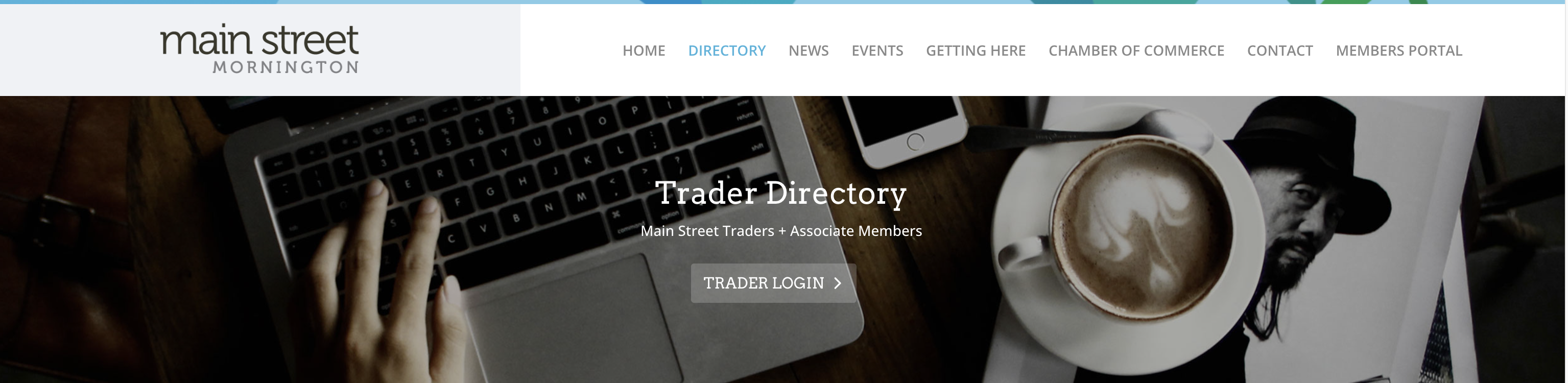
Navigate to the directory page and click the ‘Trader Login’ button to access the login page.
Use the credentials (email and password) you created when you registered or submitted your listing.
**Please note the video has the old branding on it.
Register, submit and claim a listing.
Please view the video on how to register as a user on the Main Street Mornington website as well as how to submit a listing and claim an existing listing.
**Please note the video has the old branding on it.
Edit business listing and account details.
Once logged in you can edit your accounts details (email, password etc.) as well as your business listing details (logo, website etc.). Please ensure your logo is 800 px wide x 500px high – you can create this size in Canva then upload your logo.
Please view the video for more information and a step by step run through.
**Please note the video has the old branding on it.
Add an event or promotion to the What’s On page
You can now easily add and manage your own listings on the Main Street Mornington website — whether it’s an in-store event, a themed night in hospitality, a seasonal sale, special offer, workshop, or exclusive promotion.
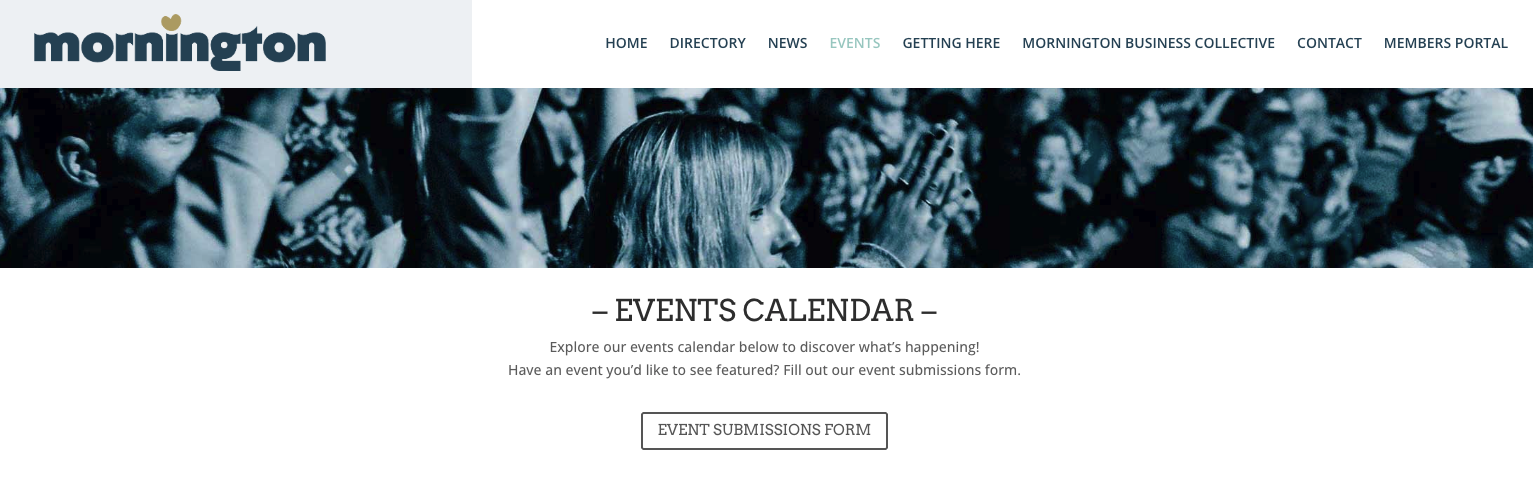
Go to the EVENTS tab at the top of the website and click on Events Submission Form – please ensure your image is 900px wide x 640 px high – you can make your image in Canva with the correct dimensions.